
DEVELOPMENT TOOLS
COMMANDER ICON TOOL
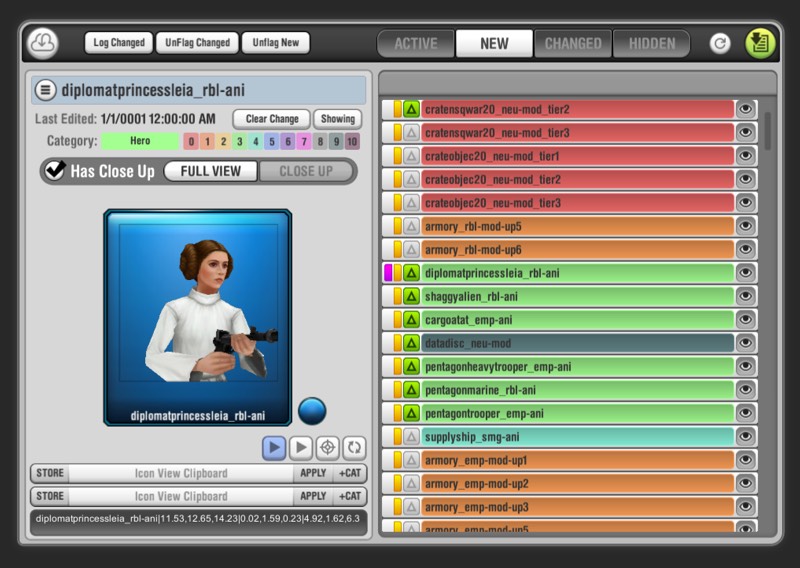
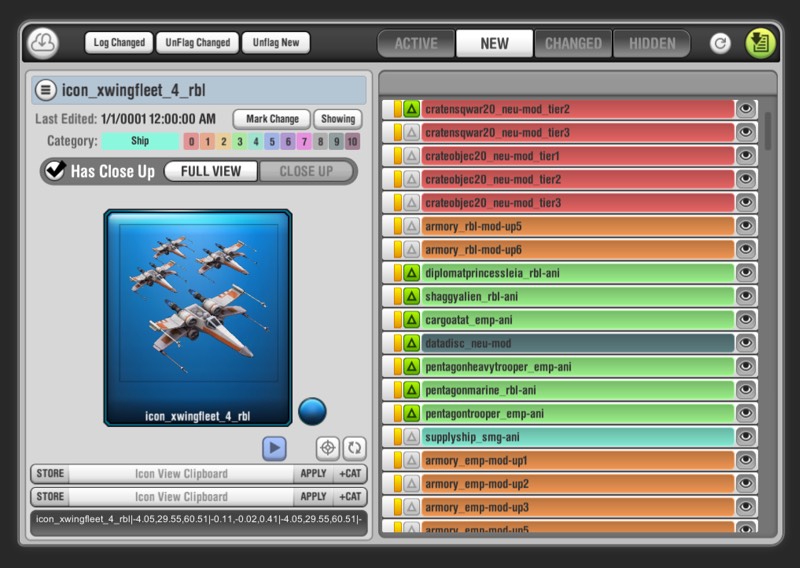
Developed to allow the art team to align and setup up optimal camera views for 3D display of in game assets. Using the in-game asset bundles, it previews and allows for zooming and aligning the animated models.
Data is stored locally and output directly to a CSV format to be consumed by the game’s backend. Several additional features to allow for ease of use, key strokes, customizable categories, and multiple clipboards.




PLANETARY TIME OF DAY TOOL
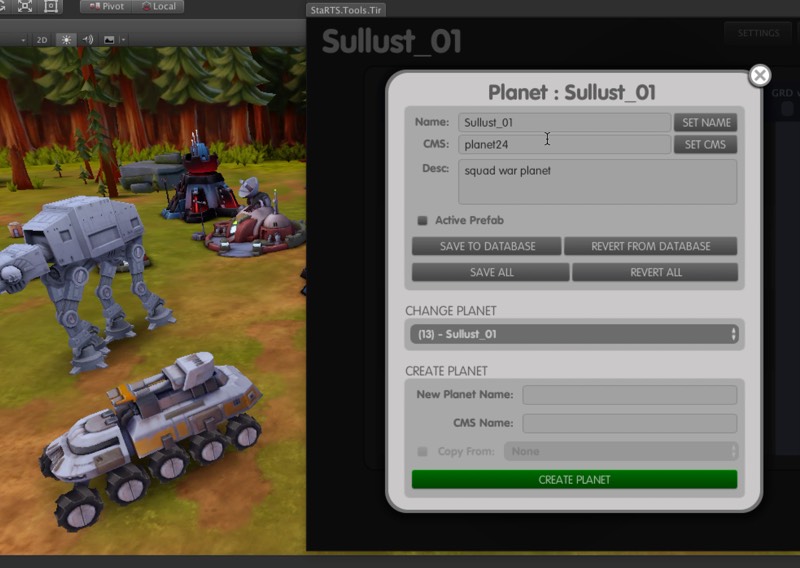
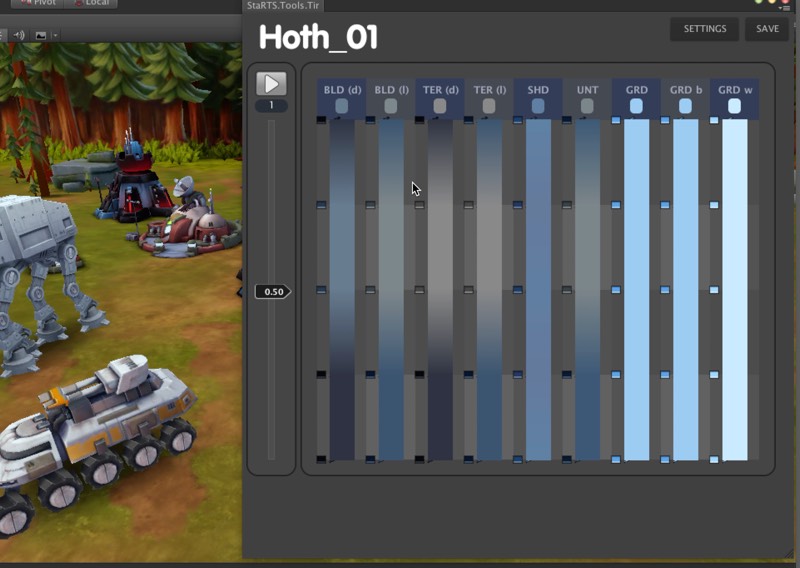
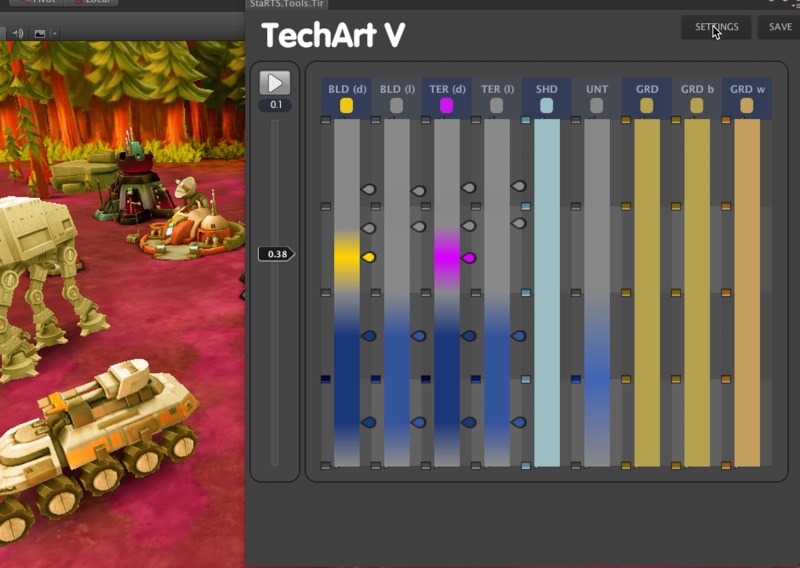
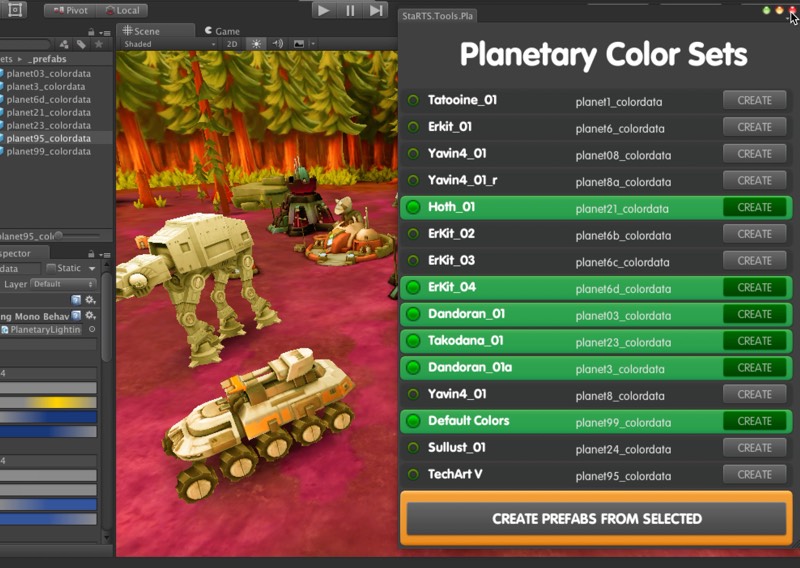
Commander uses a series of gradients to change the time of day, using multiple sets for each planet. Buildings (light & dark), Terrain (light & dark), shadows, troops and interface grids. Unity builtin gradients have a limit of 8 nodes, by combing 4 for each day, we can have a wider range.
The tool can be installed in any project, so artists and environment artists can adjust and toon in real time to get optimal results. All the data is stored on an internal MongoDB server in realtime. Everyone can see the most current version.
A companion to the tool for the pipeline, takes all the data and packages them into a assebundles for game consumptions. The concept was designed by our shader guru as an hack-a-thon project and became a feature with a variety of uses. This tool makes it a breeze for artists to refine as they build.

HEX MAP BUILDER
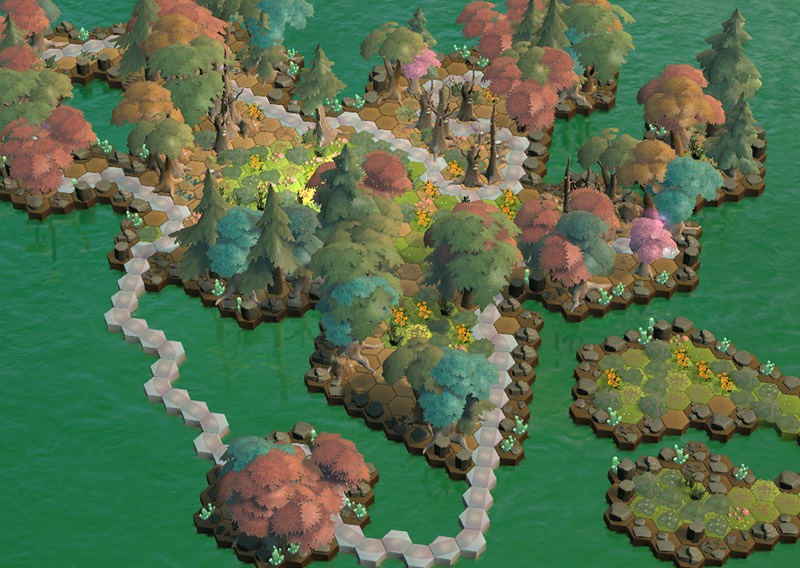
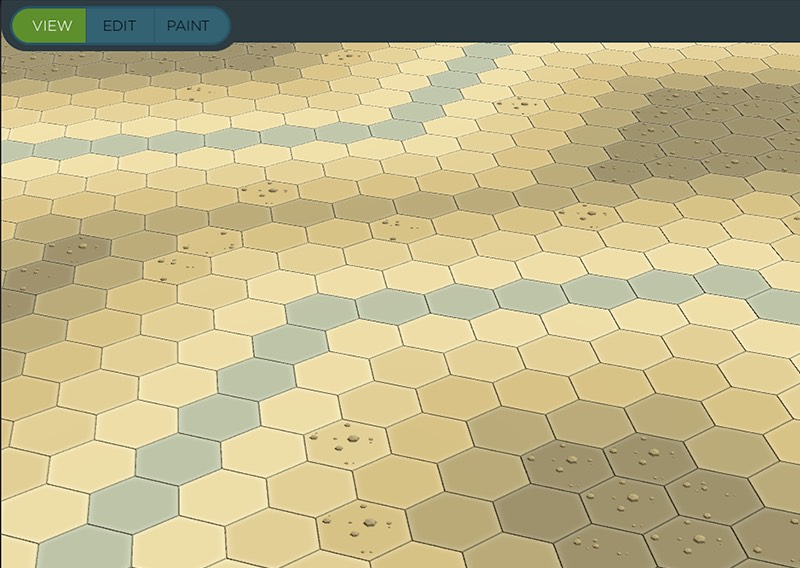
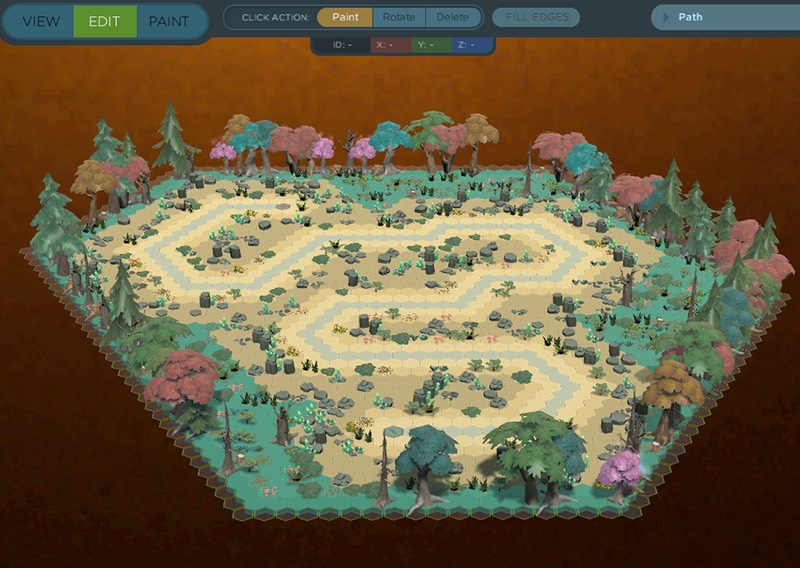
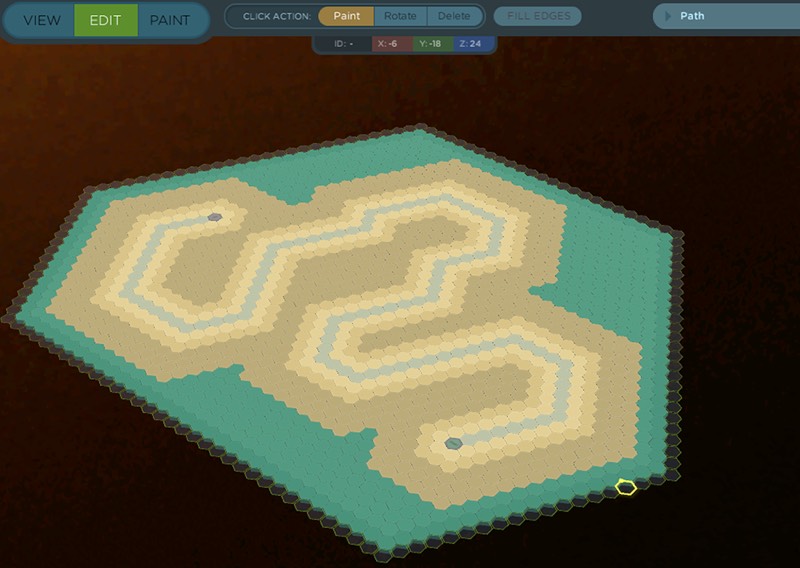
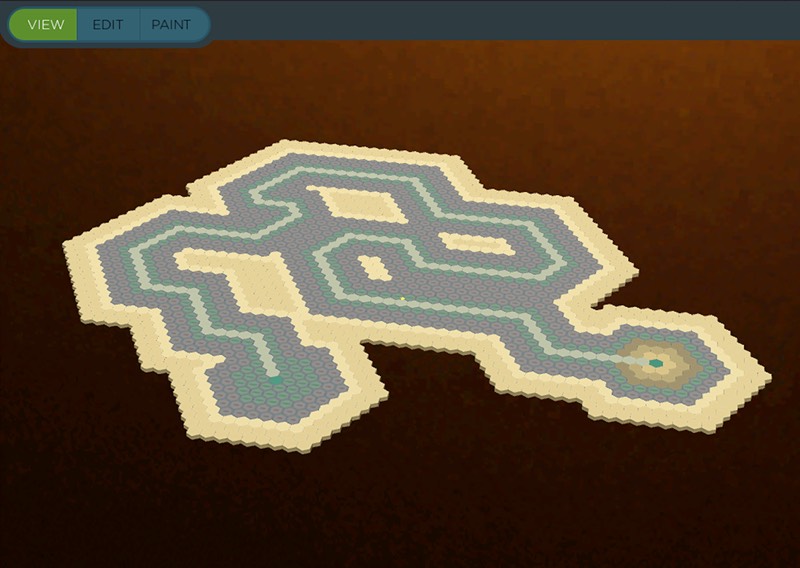
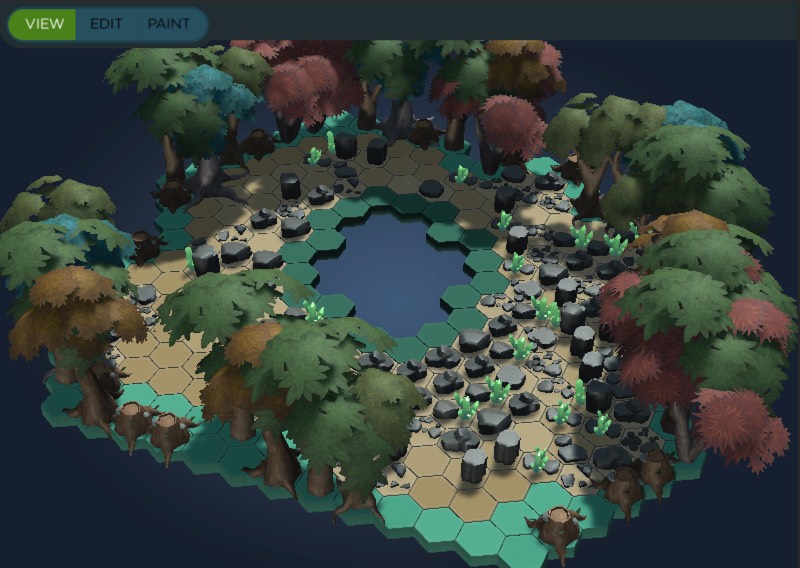
An in-game hex map editor. Includes painting, decoration placement and options. Accounts for path building, and data storage via scriptable object, making it easy to quickly create and edit pluggable map data.
Includes some editor tools as well for modification outside play mode. All map data is stored via cube coordinates. Each map can contain custom art, textures and decorations.






MSW BATTLE MAP INTERFACE
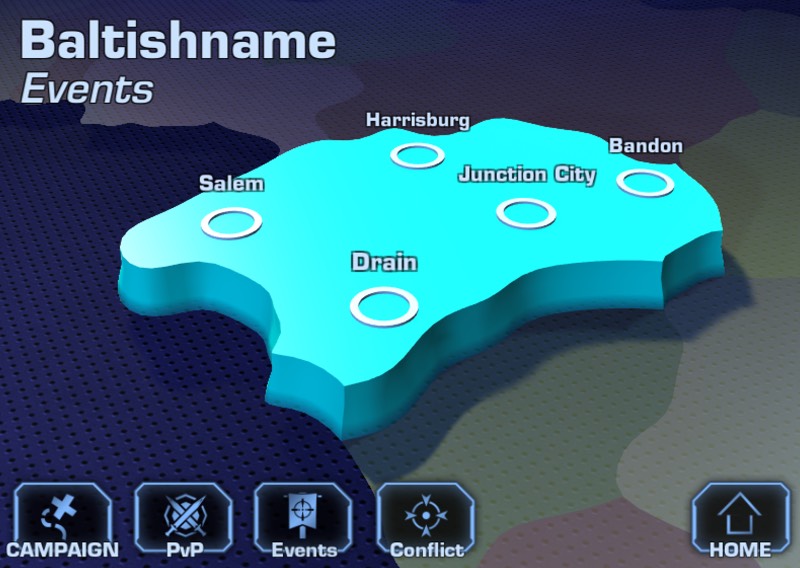
Interactive Battle Map UI editor for a cancelled Marvel Secret Wars mobile game.
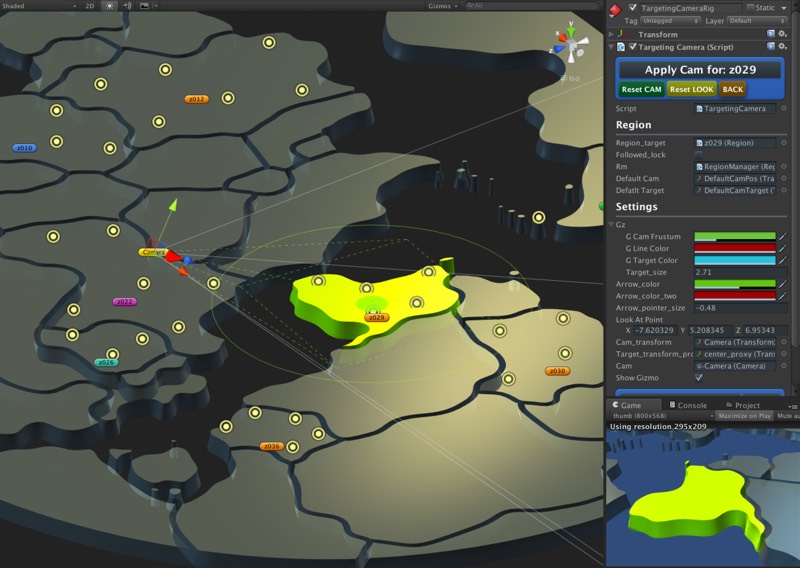
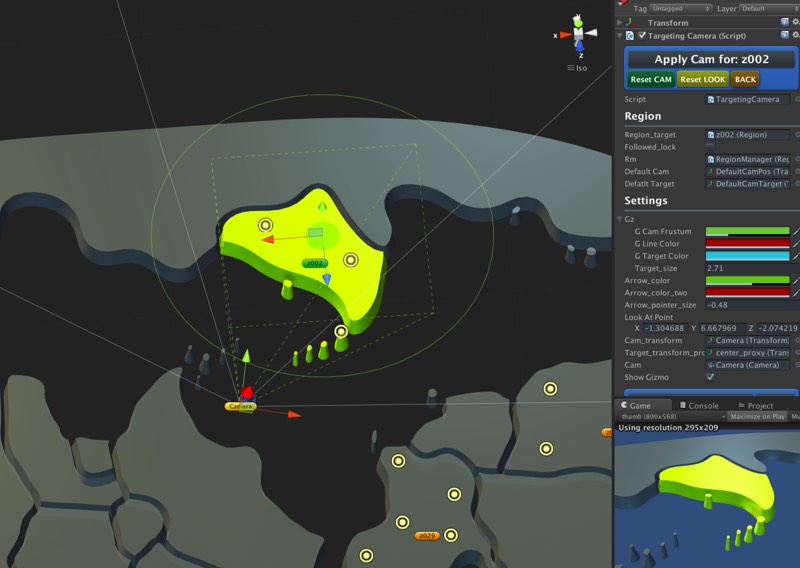
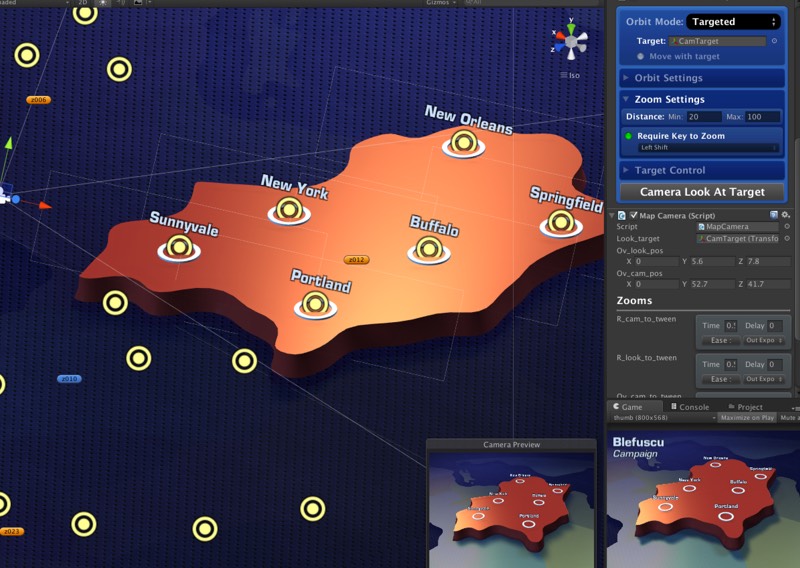
Used as both a prototype and camera animation setup tool. Editor tools let art team set up and record camera push in and and angles.
Additional editor tools allow for configuring and recording to be saved out as game consumable data.





PRODUCTIVITY TOOLS

UI StyleSheets
Tool for creating and applying styles to UI (and other) elements. Styles are stored and can be updated and applied to new elements.
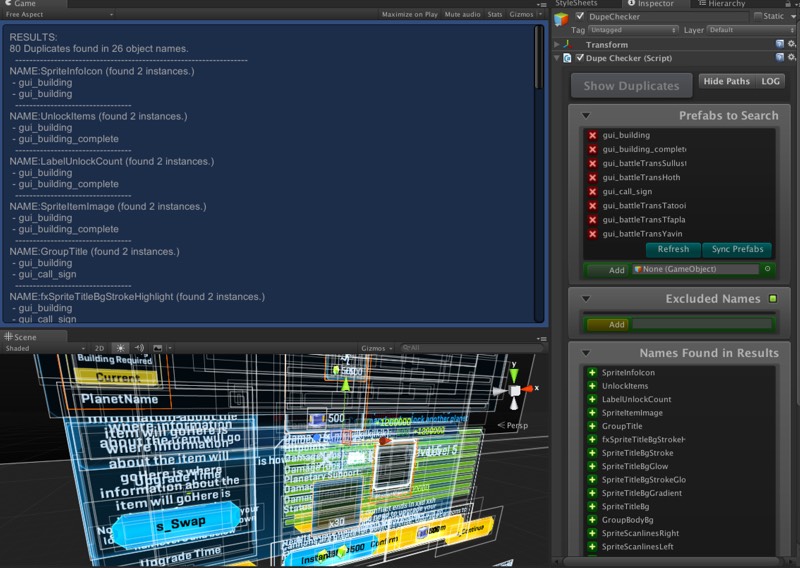
Prefab Auditing
Created to audit prefabs for name validation and checking. Detailed reporting and multiple options.

Bulk Renamer
Apply various modifications to selected object names. Find & replace, case change, numbering and text additions.

Atlas Auditing
Full reporting for NGUI atlases. Find where sprites are used, orphans, all prefabs using an atlas and other operations.
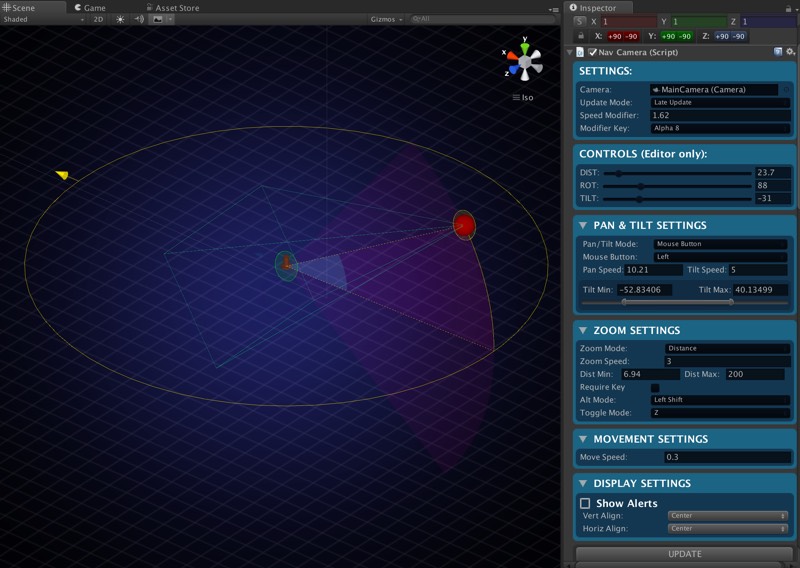
Nav Camera Rig
Drop in, highly configurable camera rig for quickly navigating a scene.
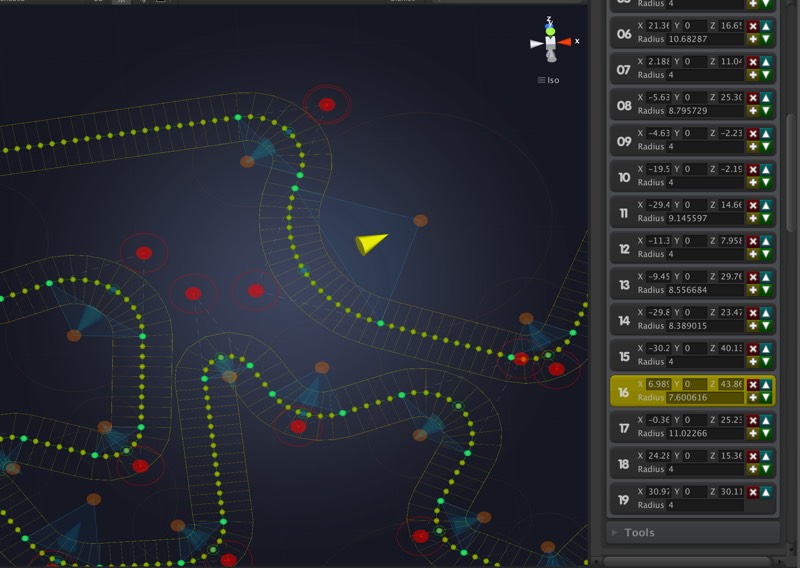
Rounded Pathing
A path generation tool for creating waypoints and mesh paths, similar to illustration tools rounded corners, for precise paths.
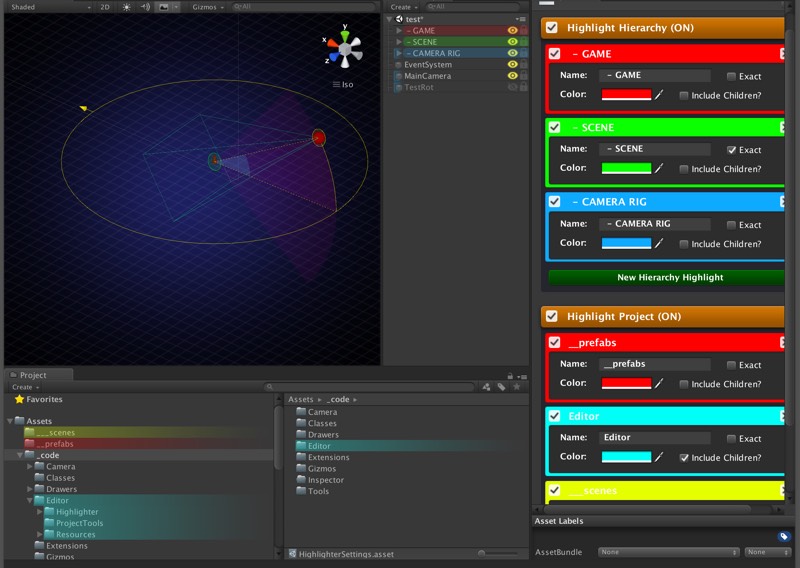
Highlighter
Apply color highlights to objects/folders in the project and hierarchy. Several options, like coloring children and partial matching.
Animation Sequencer
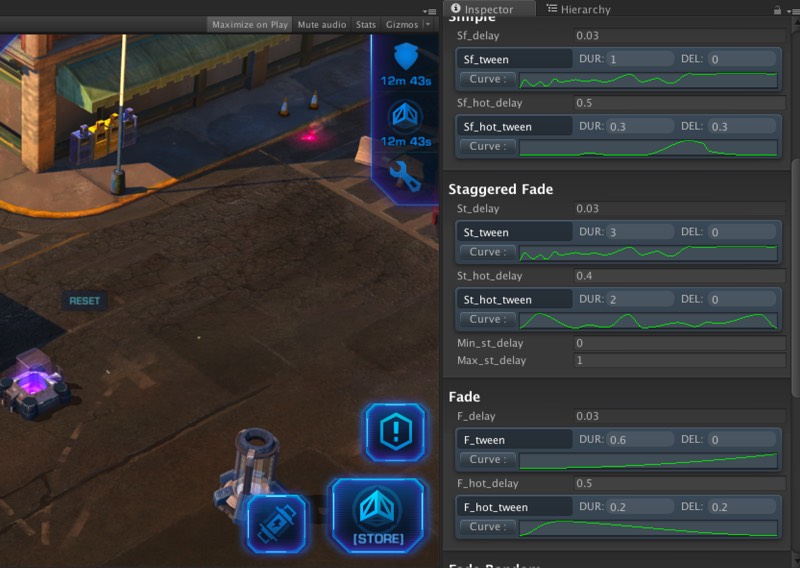
Create tween based animations and sequence them using standard interpolation and custom curves. A quick way to iterate for motion.